
Order Management
Order Management
Navigator strives to allow logistics operations to become simplified so that coordinators increase efficiency, generate less errors, and spend less time doing the work that keeps freight moving. For every order or shipment, Navigator links the logistics operations to the specific order data being shipped, and functions with all modes of transport.
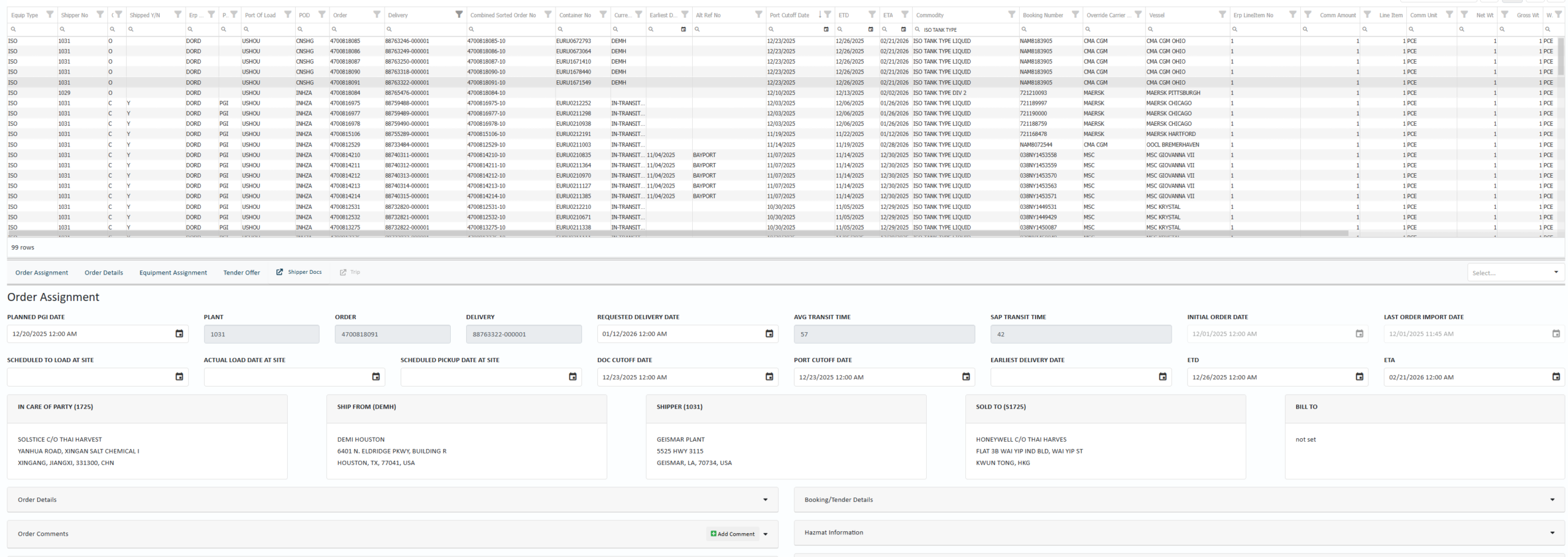
Order Module
Via the Order Module in Navigator, each coordinator can create a custom page for only the orders they wish to see. For example, the Export Desk can customize a page only showing export orders they manage. Navigator imports this data from an ERP, combines it with data from a freight forwarder, our own system, or whomever is lining up the transportation. This is all done prior to actual shipment so that our clients can be proactive rather than reactive.
We continue to add integrations, but orders currently in the system are combined with data from ELDs, Ports, Freight Forwarders, Depots, and Carriers to provide all this data in one screen for the coordinator to use. This allows the logistics team to get real time data on Doc Cuts, Port Cuts, Transit Times, Equipment Data, and Order Details to ensure they get the right cargo on the right vessel at the right time.
Trip Module
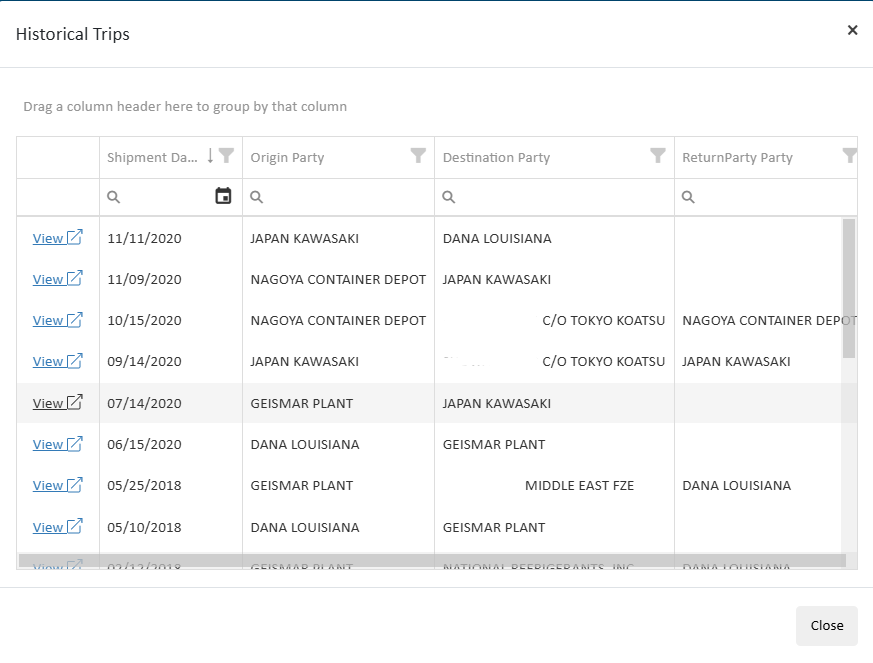
Once the order has been shipped, it will be tracked via the Trip Module in Navigator by segment from origin to destination. The Order Module is to provide efficiency prior to shipment while the Trip Module provides transparency for orders in transit down to the batch or SKU level.